AI TOOL / #07091
ScreenRedact
A Mac application designed to use local machine learning techniques to identify and highlight text within images.
Introduction
Mac app for redacting text in images using on-device machine learning.
What is ScreenRedact?
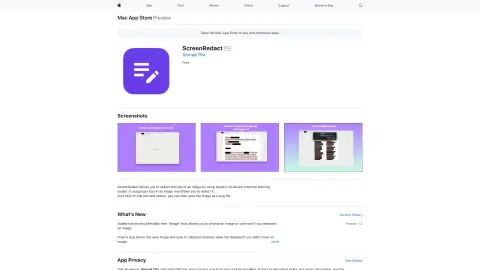
ScreenRedact is a Mac application developed by Ahmad Tibi that allows users to quickly conceal sensitive information from images. It utilizes Apple’s native machine learning technology to identify text within images and provides a user-friendly interface for masking those areas. The modified images can then be saved in PNG format.
How to use ScreenRedact?
Open an image in ScreenRedact, and the application will automatically detect any text present. Click on the text to darken it. Save the darkened image as a PNG file.
The core functions of ScreenRedact
Using Apple’s native machine learning technologies for text masking/darkening.
Save the image in PNG format.
Copy the image to the clipboard.
Related
Gali AI
A platform for creating custom AI chatbots based on your data, designed for websites.
Chafly
A no-code AI platform for creating and integrating chatbots across multiple platforms.
DentroChat
An AI chat application that integrates LLMs to set modes for specific tasks, making it easy to switch between them.
DocAI
DocAI uses artificial intelligence to transform documents into interactive conversations, thereby enhancing productivity and accessibility.
DataLang
An AI-based platform for creating custom chatbots from various data sources.
Owlbot
An AI chatbot platform that allows you to create and integrate AI chatbots without the need for any coding.