AI TOOL / #06796
AutoPod
An Adobe Premiere Pro plugin for automatic video podcast editing.
Introduction
Adobe Premiere Pro plugin for automatic video podcast editing.
What is AutoPod?
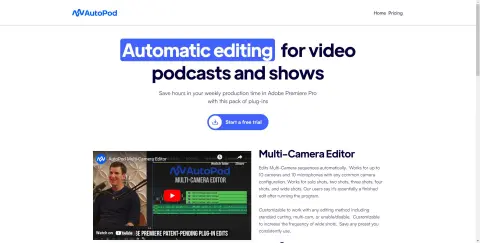
AutoPod is a set of plugins for Adobe Premiere Pro, designed specifically for video podcast and video program editors. It automates tasks such as multi-camera editing, creation of social media-ready content, and seamless editing based on audio silence markers. By streamlining processes that often prove time-consuming for editors, AutoPod helps to save valuable production time every week.
How to use AutoPod?
Install the AutoPod plugin in Adobe Premiere Pro. Open a project file in Premiere Pro, navigate to Window > Extensions, and then click on the desired AutoPod application. Use these tools to automatically edit multi-camera videos, create social media-ready clips, or add transitions based on audio silence.
The core functions of AutoPod
Automatic multi-camera editing
Social media content creation
Jump-cut editing
Related
Seeing Dogs
An AI-powered app for people with visual impairments to explore the world.
Itsimple AI
An AI-powered bookmark manager, note-taking app, and personal profile link tool.
Riku.ai
A code-free AI platform that enables users to easily build, test, and deploy AI applications.
Flim
An engine that provides creative professionals with the ability to search for images and video screenshots.
Skin Cancer Image Search
A Chrome extension that compares images of moles with a database of skin cancer cases.
EyeGestures
Open-source webcam-based gaze tracking for accessible interfaces and eye-tracking research.