AI TOOL / #06683
VoiceChatter
Convert speech into text in Chatter format.
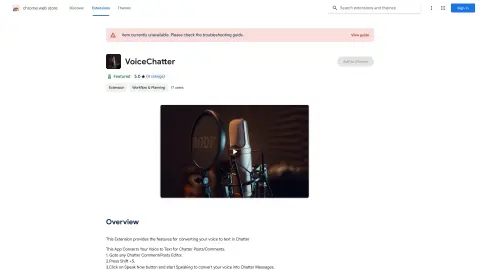
Introduction
Converts voice to text for Chatter posts and comments.
What is the Voice to Chatter Converter AI Chrome extension/plug-in?
This application converts your voice into text for Chatter, allowing you to create messages quickly and easily using voice recognition technology.
How to use the Voice to Chatter Converter AI Chrome extension/plug-in?
1. Open any Chatter comment/posting editor.
2. Press Shift + S.
3. Click the “Speak Now” button and start speaking; your voice will be converted into a Chatter message.
The core functionality of the Voice to Chatter Converter AI Chrome extension/plug-in
Chatter's text-to-speech function
Related
AI Humanize AI
These AI tools are designed to make the text generated by AI indistinguishable from human-written content, ensuring that it reads smoothly and naturally. They also come equipped with other writing tools.
StealthGPT
AI tools are used to create more human-like AI content and to circumvent AI detection systems.
VIT Updated Auto-Capcha (Free)
Use image processing and machine learning to automatically fill in VTOP login verification codes, for free.
TikTok Captcha Solver API
TikTok CAPTCHA solving API for bypassing rotation, puzzle, and 3D shape challenges.
Bypass AI
Avoids AI-generated writing solutions that cannot be detected, and is equipped with technologies that enhance the human-like quality of the text.
AIMidUs Community
A community for AI enthusiasts and independent entrepreneurs, offering tools, news, and resources.