AI TOOL / #06325
ChatGPT Voice Assistant
The voice-activated ChatGPT interface supports text-to-speech conversion and multiple languages.
Introduction
Voice-activated ChatGPT interface with text-to-speech and multi-language support.
What is the ChatGPT Voice AI Chrome extension/plug-in?
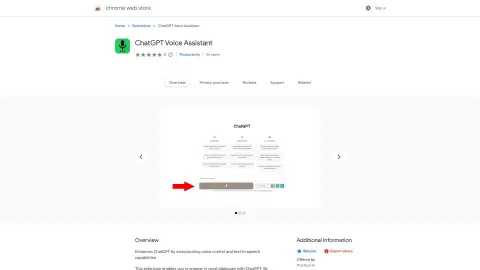
This tool allows you to capture voice input and send it to ChatGPT. The responses generated by the system can be listened to aloud (this option can be disabled if desired). It supports multiple languages, and you can start capturing voice data by clicking the microphone button or holding down the spacebar.
How to use the ChatGPT Voice AI Chrome extension/plug-in?
Click the microphone button or hold down the spacebar to record your voice input. This tool will send your recorded voice to ChatGPT, which will then read out the response. You can also choose to disable the text-to-speech function if you prefer to read the responses directly.
The core functions of the ChatGPT Voice AI Chrome extension/plug-in
Voice input for ChatGPT
Text-to-speech output generated by ChatGPT
Multilingual support
Capture voice input using the microphone button or the spacebar.
Related
ChatIQ
An AI-powered customer support ticketing system that integrates ChatGPT and a knowledge base.
MindsDB
MindsDB: An AI-driven automation solution for data management that connects enterprise databases via SQL, enabling real-time decision-making.
Ncurator
An AI assistant designed for managing and querying personal knowledge bases.
Linkly.AI
Artificial intelligence-driven potential customer analysis and local artificial intelligence knowledge bases.
RAGDrive by Nidum.Ai
No-code, local AI support for both voice and RAG functionality, enabling easy interaction with documents.
FileGPT
Applications based on GPT-AI provide quick and accurate answers to various file types through chat functionality.