AI TOOL / #05809
DigiFace
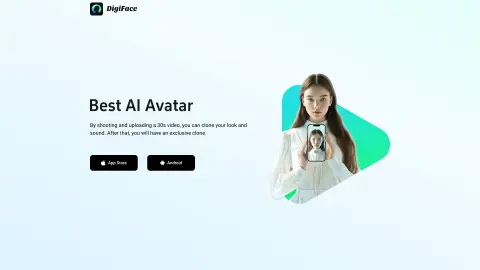
DigiFace uses 30-second videos and text to generate AI-generated avatar videos.
Introduction
DigiFace creates AI avatar videos from a 30s video and text.
What is DigiFace?
DigiFace allows you to seamlessly transform your appearance and voice into an engaging AI avatar video by simply recording and uploading a 30-second video. By entering text, you can instantly generate an AI avatar video with synchronized speech, saving time and improving productivity. With just one 30-second video recording, you can create a clone of yourself in terms of both appearance and voice – and thus obtain a unique digital version of yourself.
How to use DigiFace?
Record and upload a 30-second video to clone your appearance and voice. Then, enter the text you would like to have appear on your avatar, and DigiFace will generate an AI avatar video with that voice.
The core functions of DigiFace
Generation of AI avatars and videos
sound cloning
Physical appearance cloning
Text-to-speech avatar videos
Related
Alsona
An AI that automatically schedules sales meetings based on purchase signals
mGBA
The new generation of open-source Game Boy Advance emulators also support certain games from the Game Boy and Game Boy Color series. These emulators are known for their fast speed, high accuracy, and cross-platform compatibility.
ePSXe
This established PlayStation emulator is renowned for its simplicity, ease of use, and high compatibility. It supports Windows, Android, and macOS platforms, making it an ideal choice for those who want to experience the classics of the PS1 era.
MuMu emulator
An Android emulator developed by NetEase, specifically designed for mobile gamers. It is compatible with both Windows and macOS systems and can smoothly run the vast majority of mobile games available on the market.
Omnigraph
给AI智能体用的开源图数据库
Foxpit
Combining multiple programming agents into a team