AI TOOL / #02660
Grok Button
A browser extension that provides quick access to Grok AI.
Introduction
A browser extension for quick access to Grok AI.
What is a Grok Button?
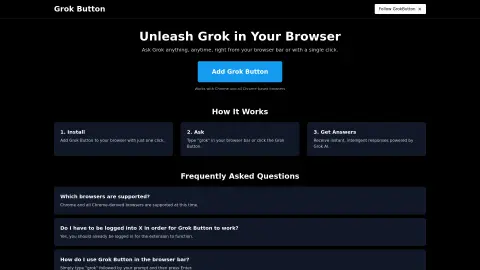
The Grok button is a browser extension that seamlessly integrates the powerful capabilities of Grok AI into your web browser. Users can submit their questions by entering “grok {your question}” in the browser address bar or by clicking the Grok button, and they will receive instant, intelligent responses.
How to use the Grok Button?
Install the Grok button extension. To use it, enter “grok” followed by your question in the browser address bar, then press Enter, or click the Grok button.
The core functionality of the Grok Button
Quickly access Grok AI from your browser.
Answer questions immediately
Integration with Chrome and Chrome-based browsers
Related
NICH: GPT Anonymizer
NICH anonymizes and restores sensitive data to enable private AI interactions.
Our Party Wall
A service that lets you create a party wall agreement without a surveyor.
FormlyAI
An AI-powered software for medical device certification and compliance, suitable for both the European Union and the United States markets.
Appeal Parking Ticket
Tool powered by artificial intelligence drafts parking ticket appeals in seconds, increasing success rate.
TrademarkOwl
An affordable platform for registering trademarks and design patents, with applications handled by licensed attorneys.
MyJr from Jurisage
A legal assistant that provides immediate insights based on case studies throughout the research process.