AI TOOL / #02389
Aider
Aider is an AI companion programmer that can edit code in your local git repository.
Introduction
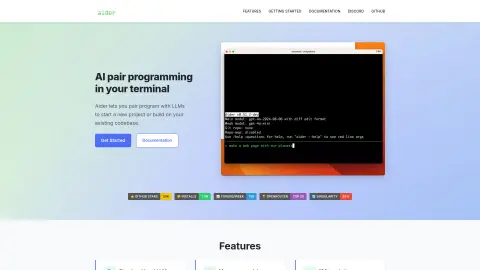
Aider is an AI pair programmer that edits code in your local git repo.
What is Aider?
Aider is an AI companion programmer that can edit the code in your local git repository through the terminal. It is compatible with your editor, any large language model (Claude 3.5 Sonnet, DeepSeek R1, GPT-4o, native models) and multiple programming languages. Aider lets you co-program with large language models to start new projects or build on existing code bases.
How to use Aider?
To use Aider, first install it using `python -m pip install aider-install aider-install`. Then, use `cd /to/your/project` to change directories into your repository. Finally, run Aider with the model and API key of your choice, such as `aider –model deepseek –api-key deepseek=<key>` for DeepSeek, `aider –model sonnet –api-key anthropic=<key>` for Claude 3.7 Sonnet, or `aider –model o3-mini –api-key openai=<key>` for o3-mini.
Aider's core features
AI collaborative programming on the terminal
Supports cloud and local large language models
code base mapping
Git integration
IDE integration
Image and web page context
Voice to code
Code instrumentation and testing
Copy/paste into web chat
Related
Kloop Organize
A free service designed for the research, preservation, and organization of web pages.
Titan
An Amazon product research tool with automated data collection and keyword research capabilities.
Upword: AI notes & summarization tool
An AI research assistant designed to facilitate faster online research and reading, while also providing summary notes.
EchoQuery
An AI-powered user research platform designed for conducting surveys, collecting feedback, and obtaining valuable insights efficiently.
Onboarding.Study
Resources on user onboarding strategies, best practices, and software comparisons.
mool.ai
Smart workspace for fast research and document creation.