Prates
A Mac writing and dictation assistant that emulates your style of writing
Introduction
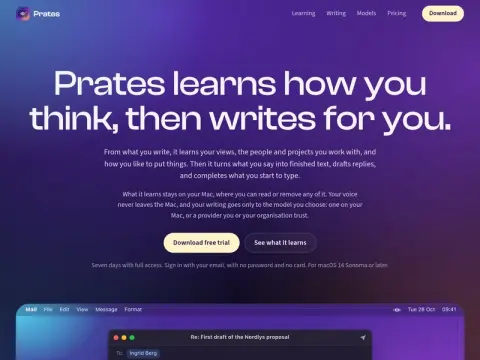
Prates is a writing assistant for Mac. It first learns about you and then writes content on your behalf. Everything you have written in various applications is compiled by it into concise notes: your opinions on different topics, the people and projects you frequently work with, and the way you tend to express yourself.
There are three ways to use it. First, hold down the right Option key while speaking, and it will organize your spoken words into coherent text and insert it automatically. Second, tap the spacebar three times in an empty reply box, and it will generate a complete reply for you. Third, if you start typing but then pause, it will finish the sentence for you. Since this function works across different applications, the ideas you expressed in an email can also be used when drafting a reply in Teams the next day.
What you learn is stored on your Mac in the form of notes, which you can view and delete one by one. The audio remains on your device, while the text is sent only to the model you choose—either a local model or an external one. This feature requires macOS 14 or later. You can try it out for free for 7 days; all you need to do is sign in using your email address, without needing a password or linking your card. People who receive a large number of emails and messages every day will find this tool particularly useful.